
QR Browser generates the QR Code that provides access to your hosted file.

Host your files, create dynamic QR Codes and manage them from one central account. Paid PRO plans also let you customise the white-label page shown after a scan.
Start for free, then choose the capacity and professional features that meet your needs.
For exploring dynamic QR Code creation and management.
For managing an initial volume of QR Codes for your business.
For adding a customised viewing page to your QR Codes.
For businesses managing a large number of QR Codes.
Your QR Code links to a QR Browser viewing page. Replace its linked file from your personal account and the QR Code you have already shared will continue to point to the same page.
QR Browser generates the QR Code that provides access to your hosted file.
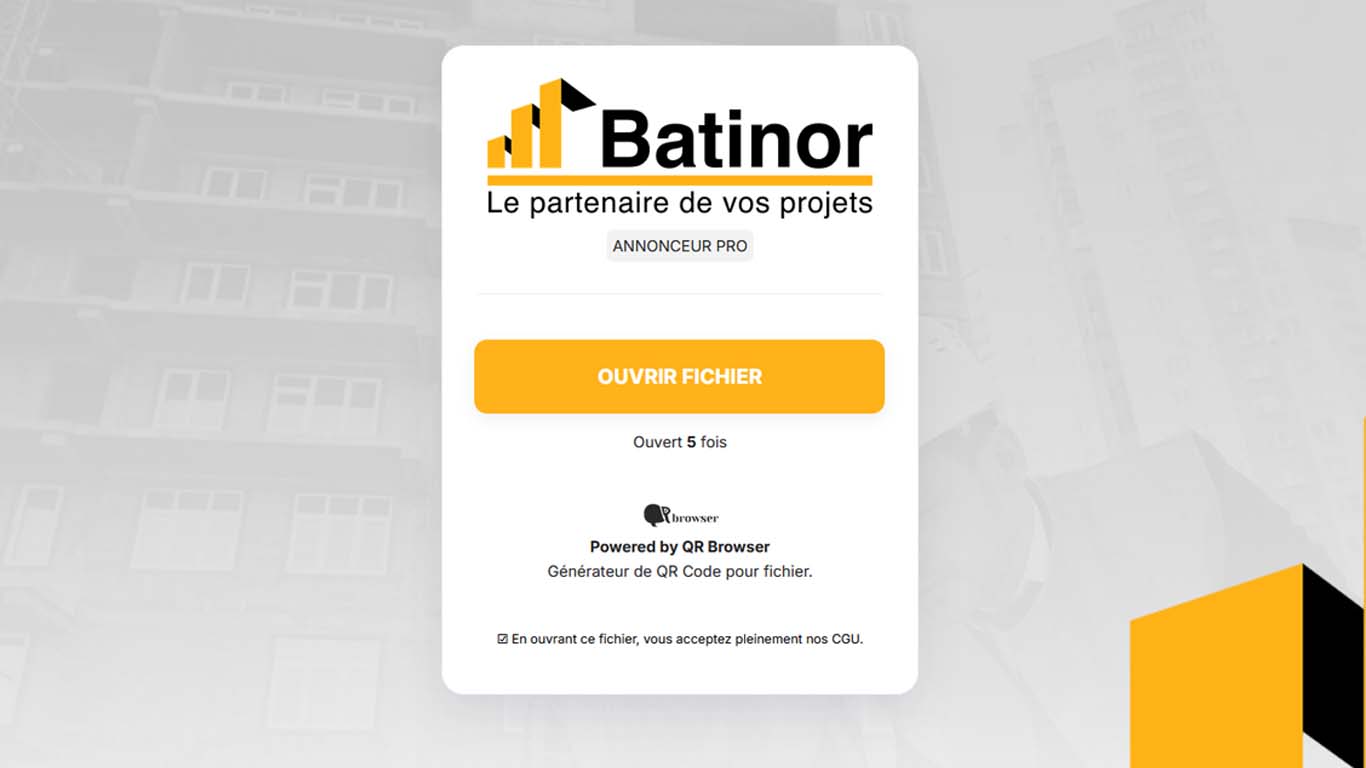
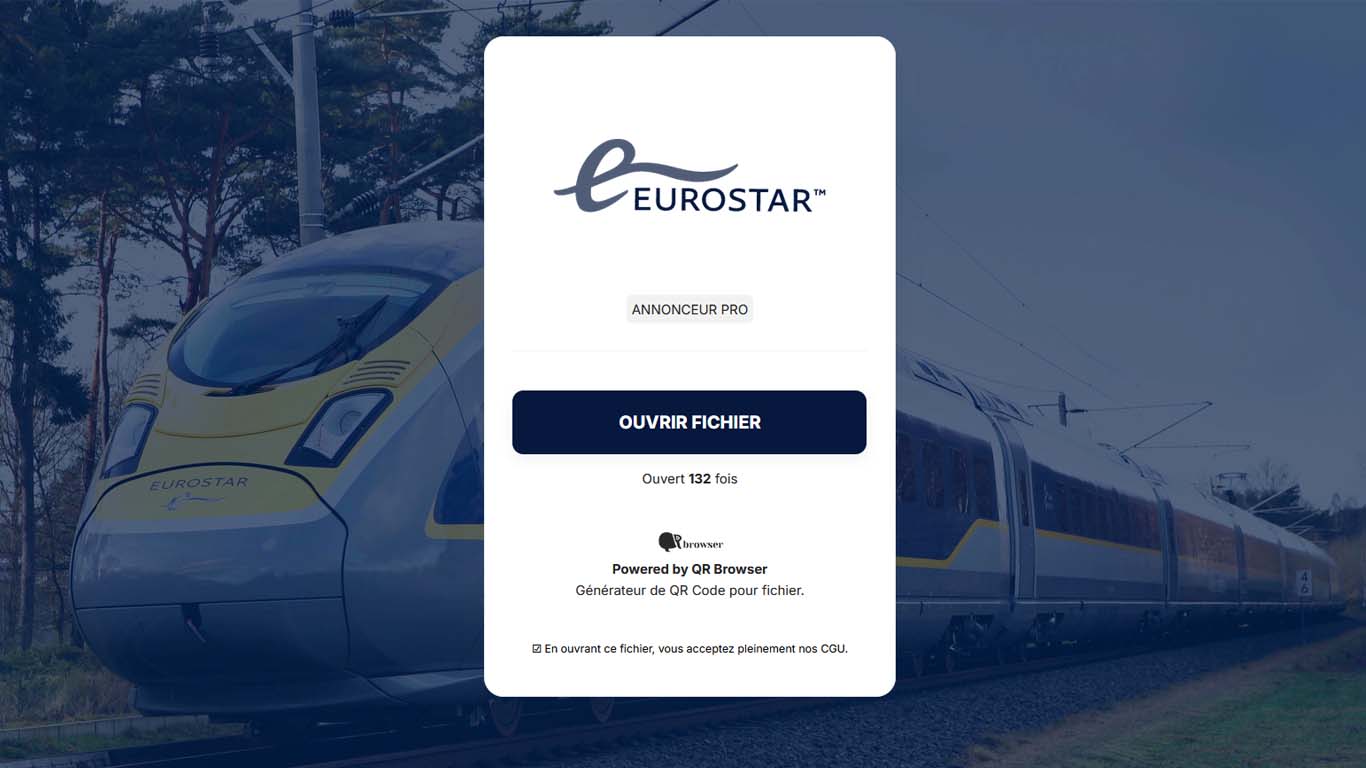
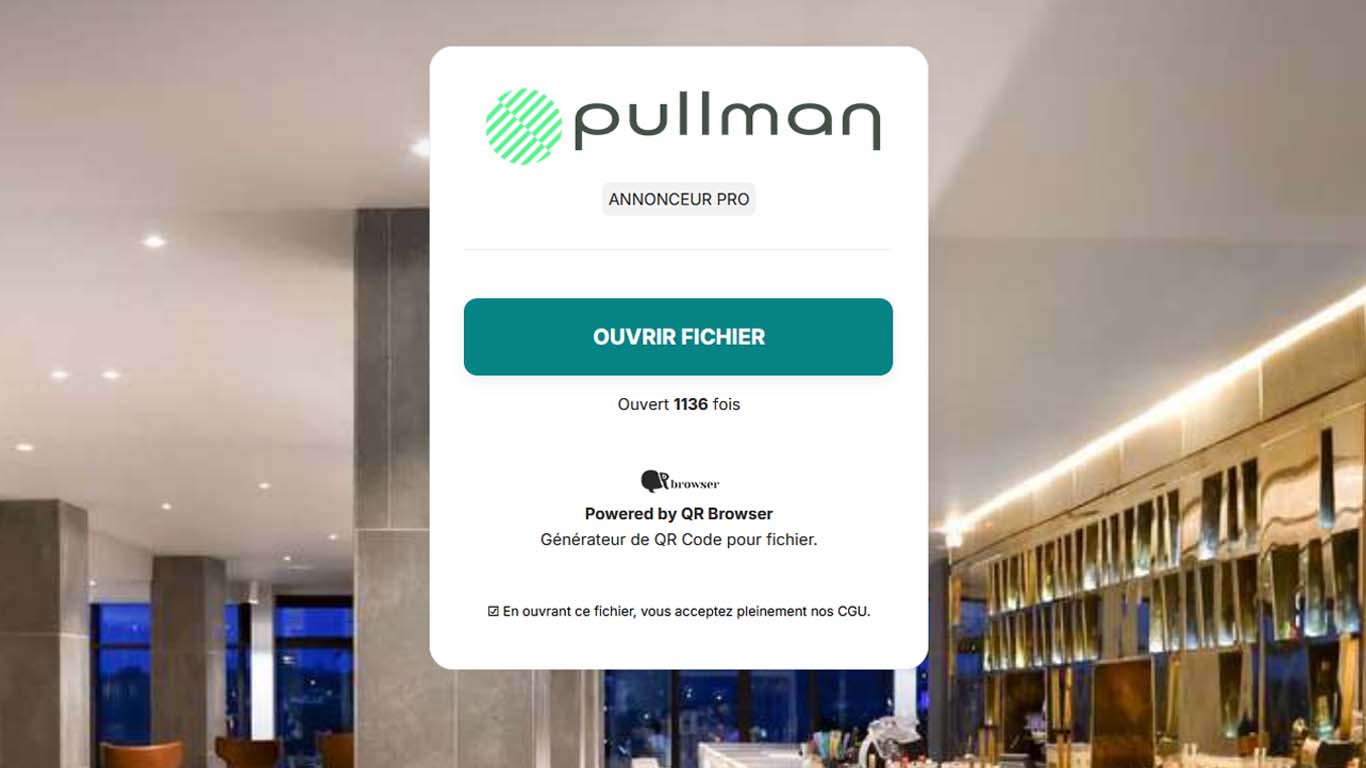
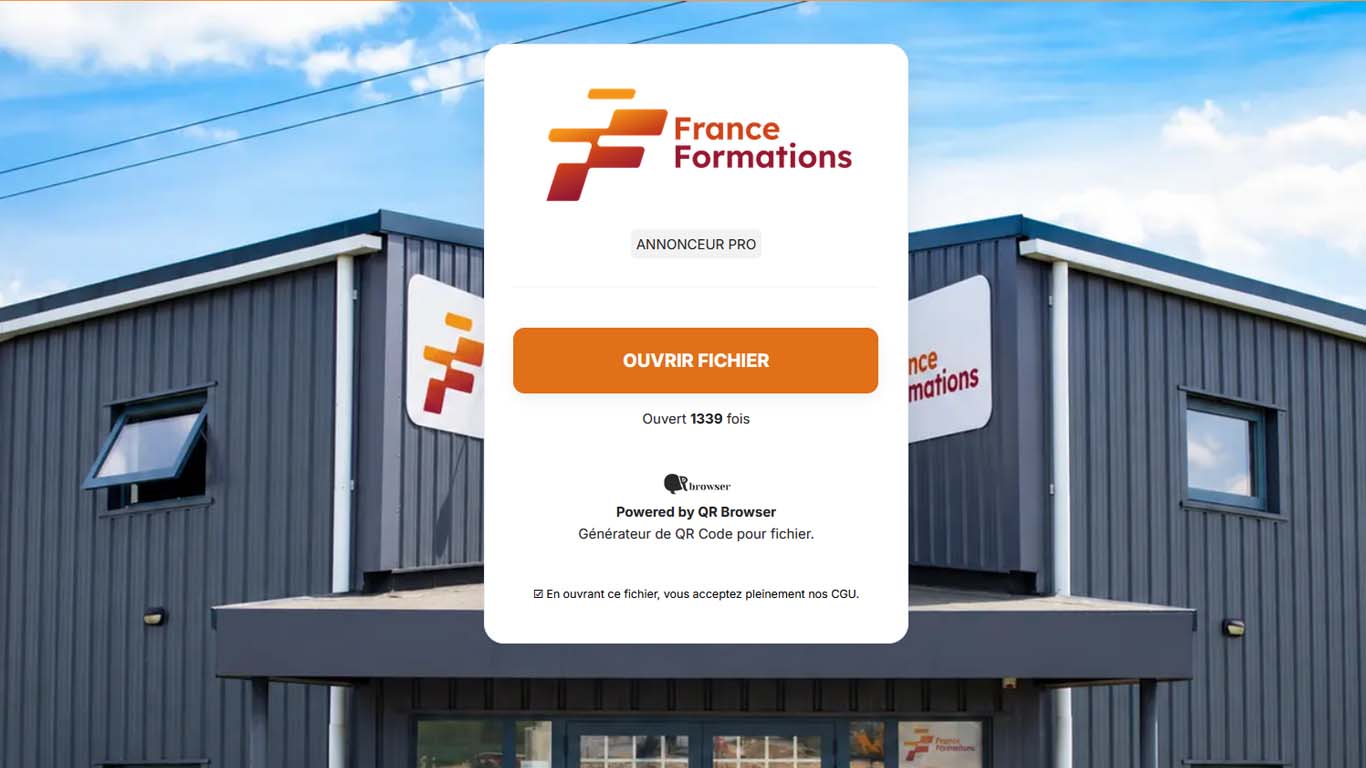
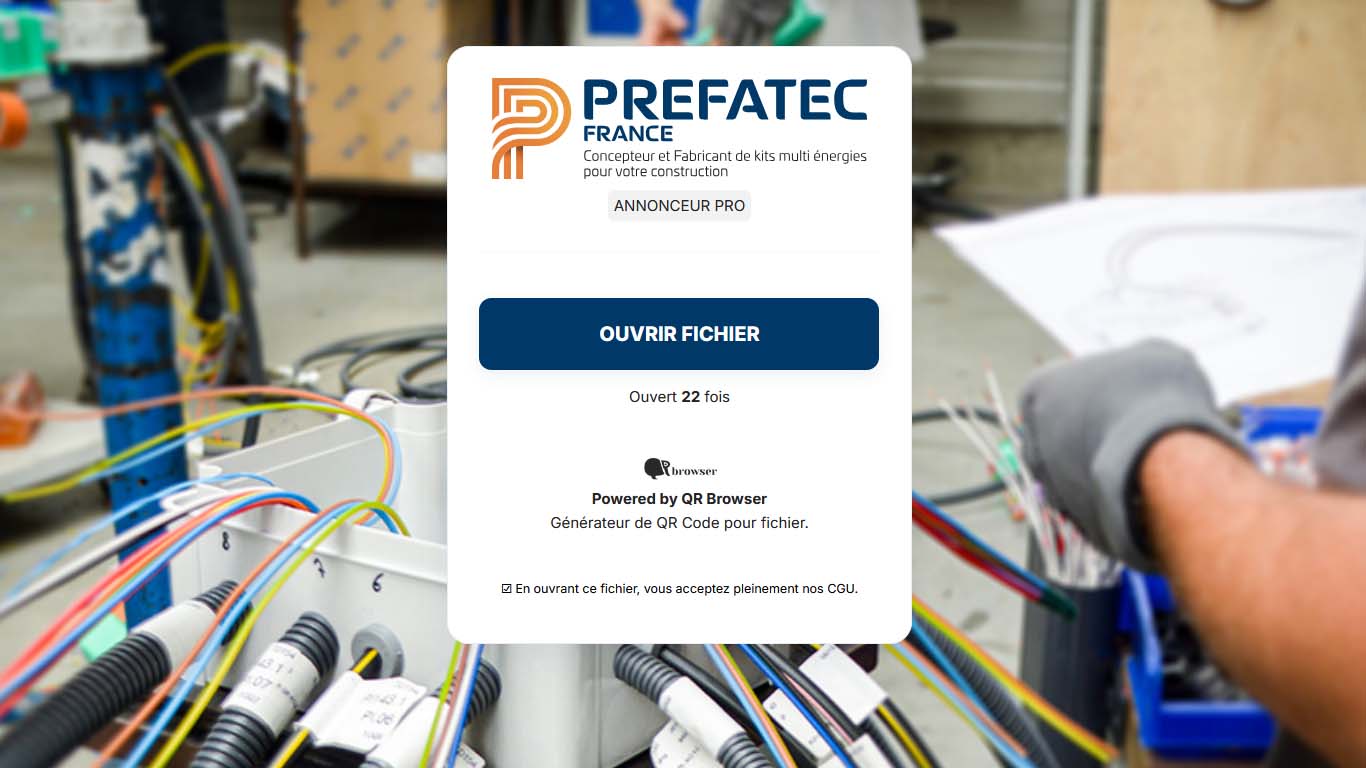
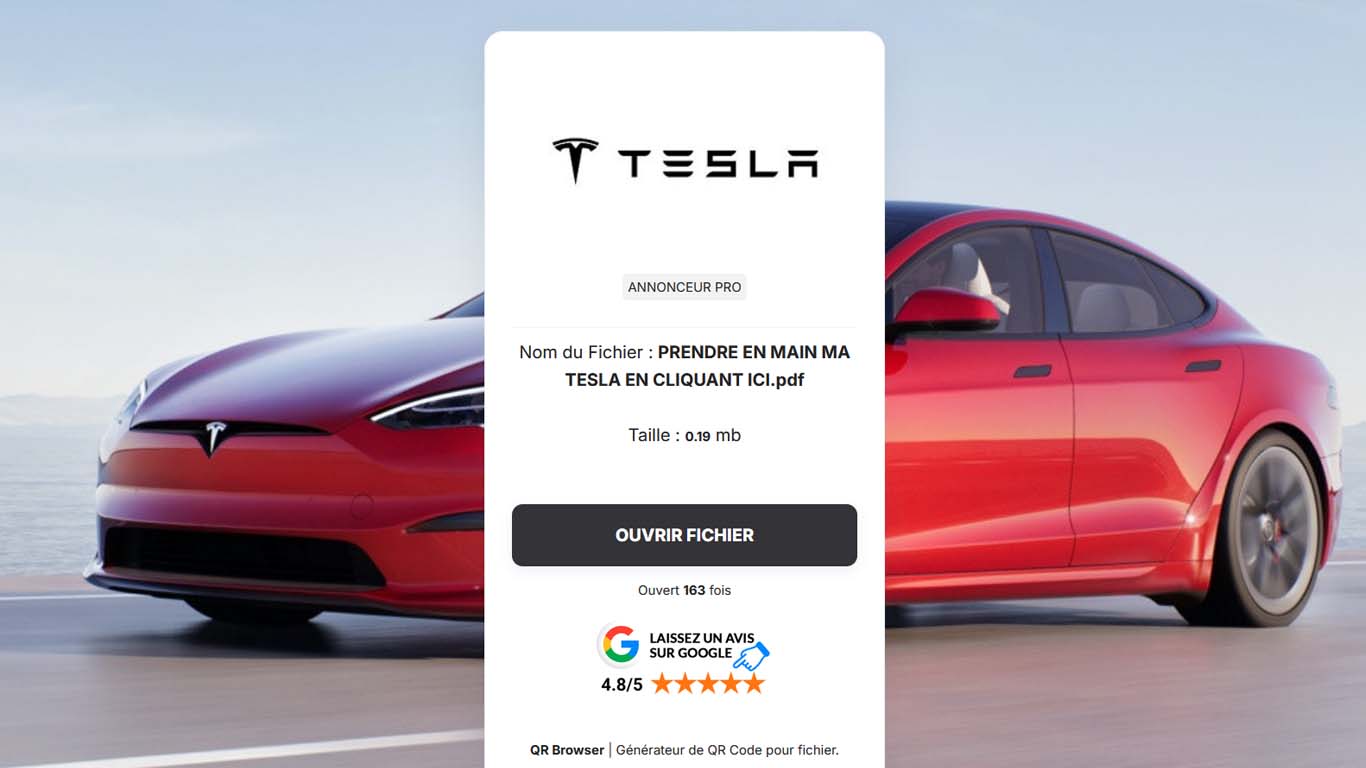
With a paid PRO plan, customise the page that opens after scanning without changing the QR Code design.
Customisation applies to the viewing page (logo, link, background and button colour), not the QR Code design, which is generated in black and white.
White-label features customise the viewing page shown after a scan: add your logo and website link, choose a background image and set the open button colour. Ads are removed and scan statistics are available with STARTER, PREMIUM and VIP. QR Codes are still generated by QR Browser; custom domains are not offered.
A page that matches your identity can strengthen your brand, create a more professional journey and provide customers with a familiar experience after scanning.
With QR Browser, a QR Code links to a viewing page that provides access to a hosted file. You can replace the file from your personal account without changing the QR Code.
A static QR Code contains a fixed destination. QR Browser creates a code that links to an intermediate page associated with your file, so you can replace the file while keeping the QR Code you have already shared.
Yes. Replace the file from your QR Code manager; the viewing page and linked QR Code remain the same.
The generator creates a black-and-white QR Code without a logo or design changes. Paid PRO plans let you customise the viewing page shown after scanning with a logo, website link, background image and button colour.
White-label features adapt the viewing page to your visual identity. QR Browser lets you add a logo and website link, choose a background image and button colour, and removes ads on paid PRO plans.
They are for professionals who host and manage files with QR Codes, including businesses, agencies, retailers, restaurants, hotels, event organisers, printers and service providers.
Yes. Manage QR Codes for documents, menus, materials or files, then choose a paid PRO plan to customise the page shown after a scan.
STARTER includes 25 QR Codes with a white-label viewing page, statistics and ad removal. PREMIUM offers the same features for 50 QR Codes and VIP for 100 QR Codes.
This form sends a request to the QR Browser team; it does not automatically change your subscription. Use it to tell us which plan you are interested in and ask for help.
QR Codes that are not scanned for more than 60 days after a subscription ends are automatically deleted from our servers and cannot be restored.
QR Codes that have not been scanned for more than 60 days after your subscription ends are automatically deleted from our servers and cannot be restored.
Choose your plan and share your contact details. Our team will help you complete your subscription request.